







Generator
History
AI Floor Plan Generator
Change Tool
Model
Base
Switch
Reference floor plan
Upload
BedRoom
-
2
+
BathRoom
-
1
+
Gross Area
Unit metric
 imperial
metric imperialArea
< 50㎡
50-80㎡
80-100㎡
100-120㎡
120-150㎡
> 150㎡
Extras
Looking for any specific?
e.g. Modern style living room with bright colors, soft lighting and minimalist design.
 Count
Count
Unlock Your Dream Home Plans with AI Floor Plan Generator
Imagine transforming your vision into precise, presentation-ready dream home plans in mere seconds. Ideal House’s AI Floor Plan Generator makes it a reality. Whether you're a homeowner, designer, or real estate professional, instantly create beautiful, functional 2D floor plans that clearly define your space. Say goodbye to complex drafting and hello to intuitive design. Your ideal house layout is just a few clicks away, empowering you to visualize and refine your perfect living environment with ease and speed. Get started on your new home floor plans today!
Generate My Floor Plan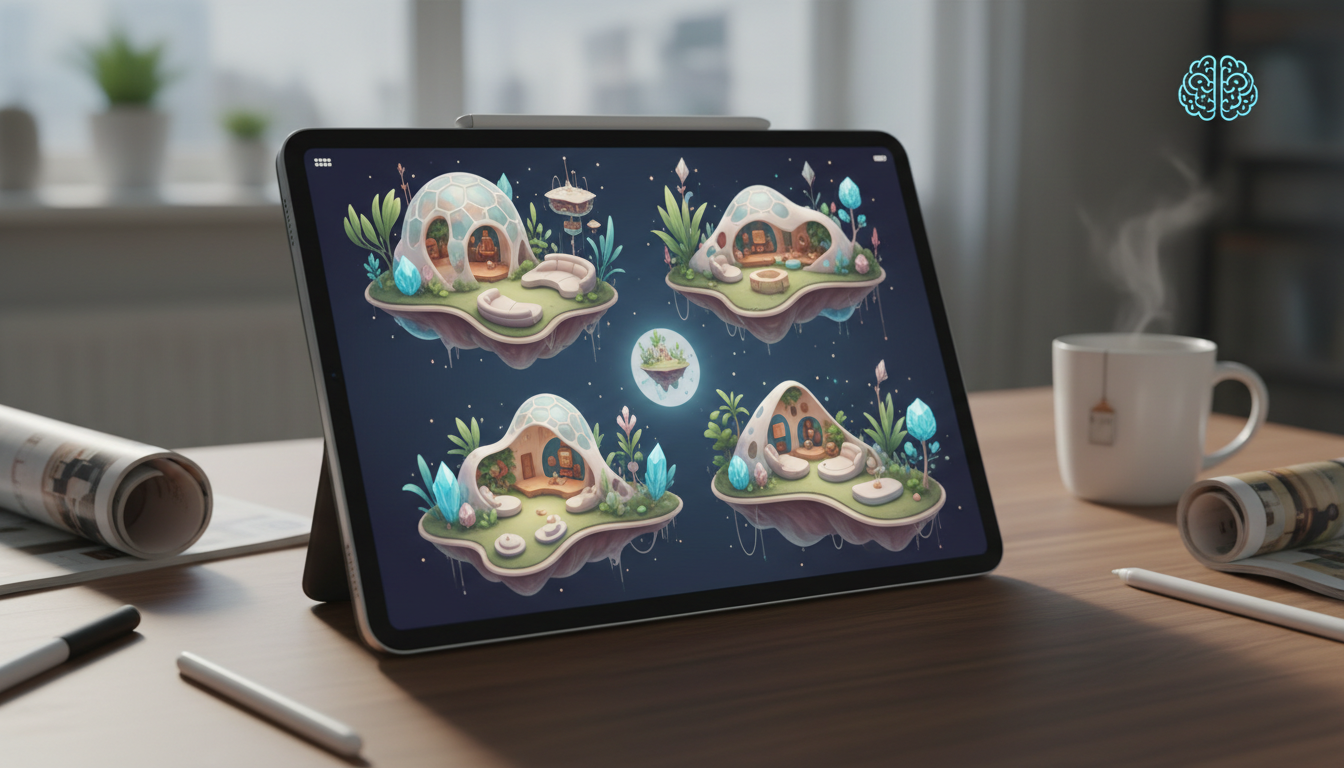


Why Ideal House is Your Ultimate Floor Plan Creator
Instant, Intuitive Dream Home Plans
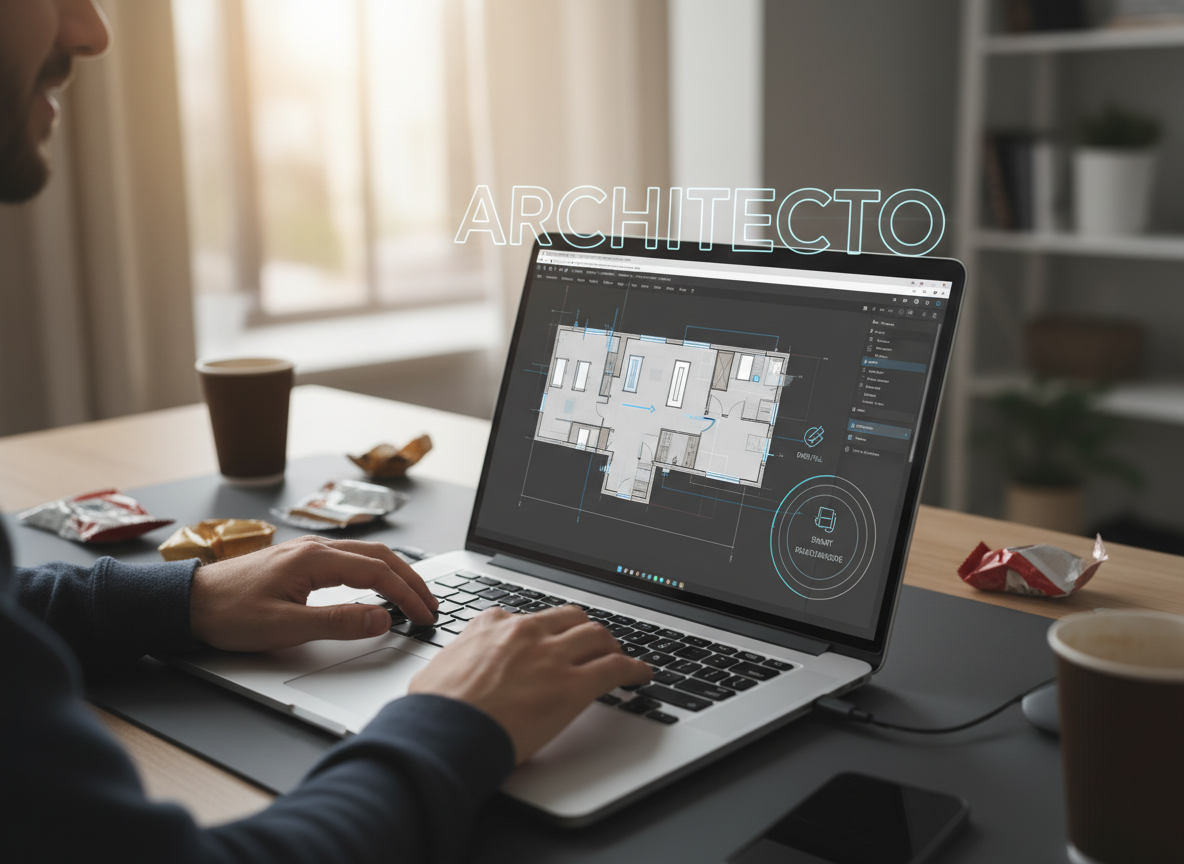
Gone are the days of endless drafting. Our AI Floor Plan Generator takes your high-level requirements – like the number of bedrooms and bathrooms, kitchen style, and gross area – and instantly crafts detailed 2D floor plans. This house layout planner delivers presentation-ready results in seconds, making it the fastest way to explore your dream home plans and property layout designs.
Customization for Every Vision
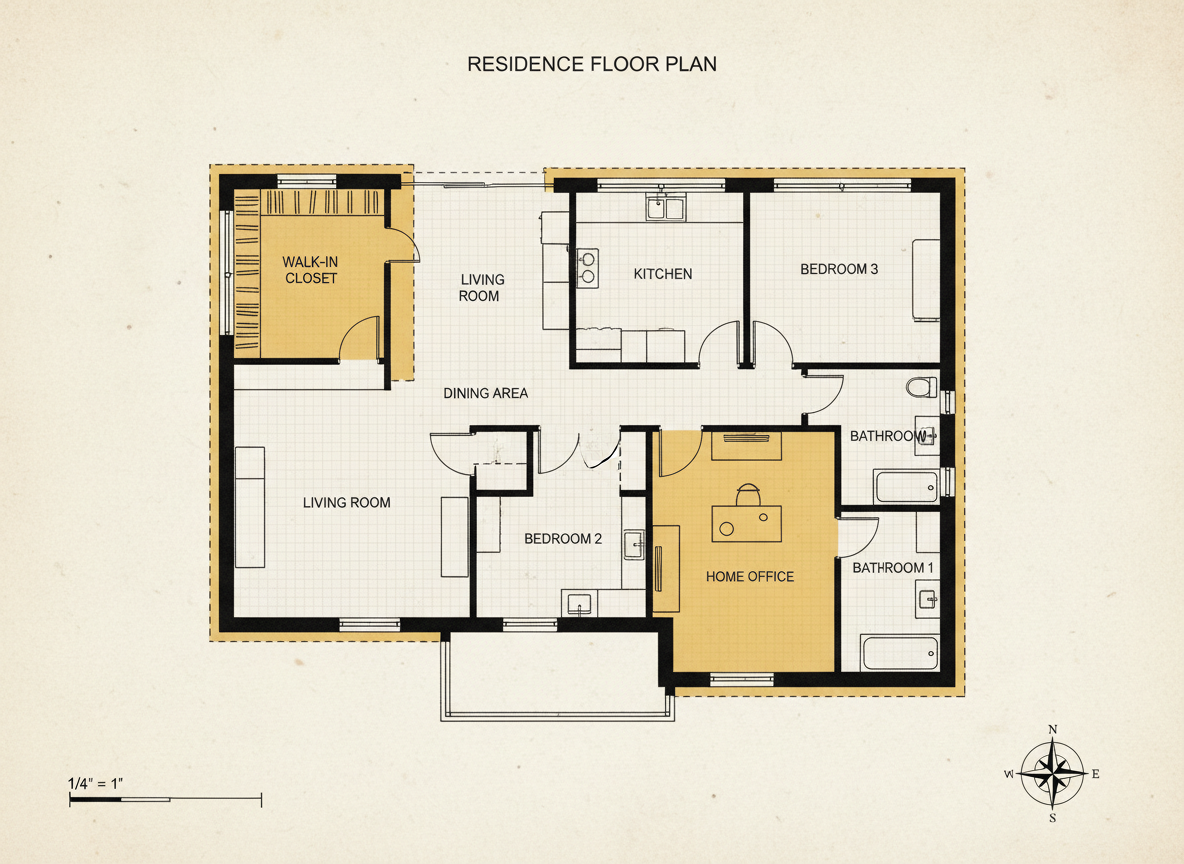
From open concept floor plans to specific additions like a walk-in closet or home office, our tool offers unparalleled customization. Select multiple 'extras' to guide the AI, ensuring your custom home blueprints reflect your exact needs and preferences. This allows you to explore various residential floor plans and building floor plans with incredible flexibility, tailoring every detail of your dream home plans.
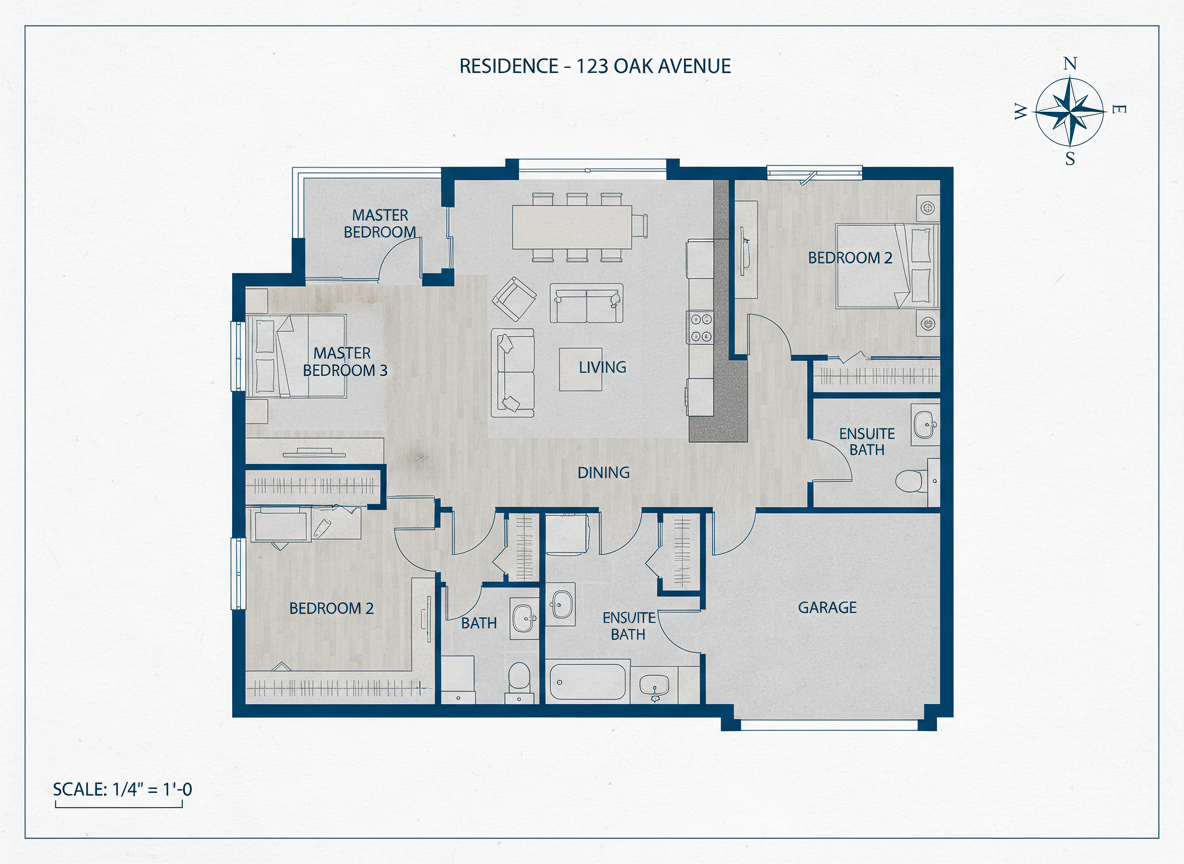
Realistic & Ready-to-Use Outputs
Our AI doesn't just sketch; it creates functional, architecturally sound dream home plans. The generated 2D floor plans are perfect for early layout exploration, client conversations, and real estate listings. They provide a clear visual understanding of space and flow, making it easier to communicate your vision and move forward with confidence, whether for small house plans or larger architectural floor plans.
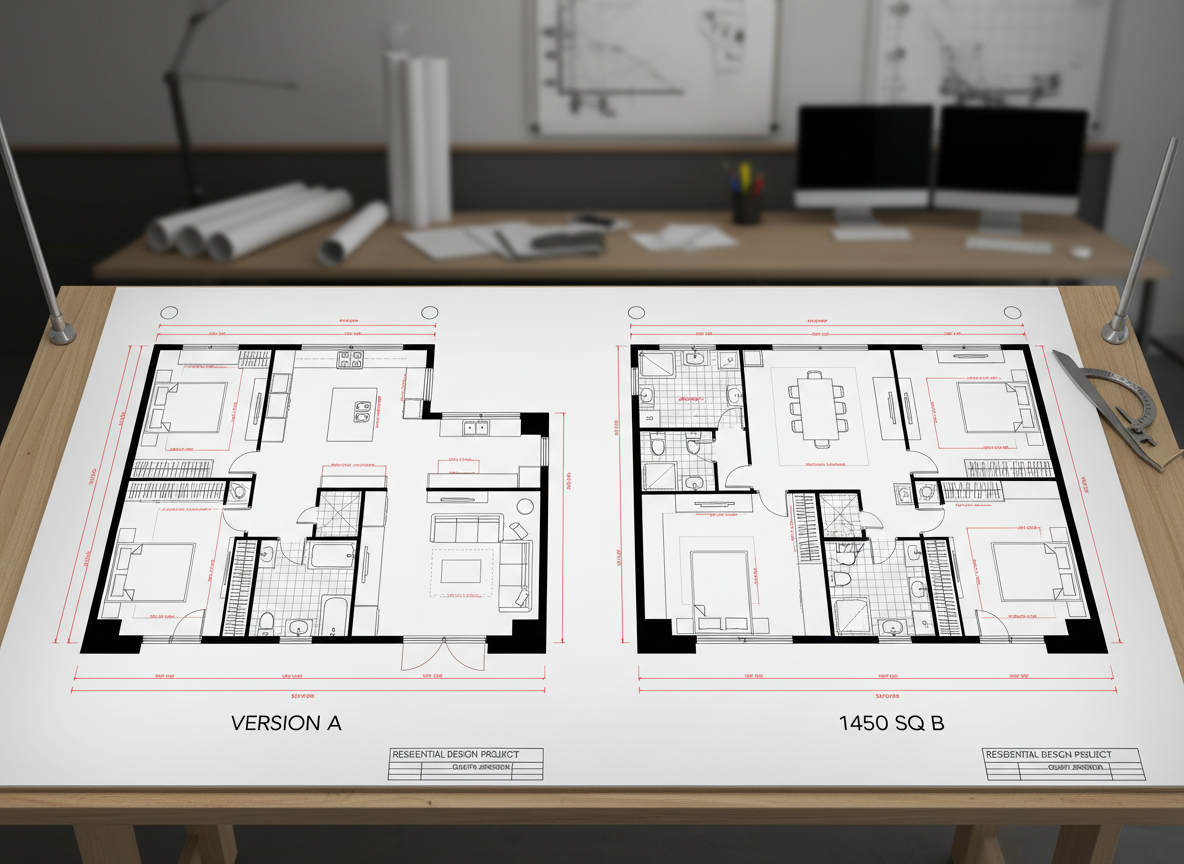
Seamless Iteration & Comparison
Every generated layout is saved in your history, allowing you to easily compare different versions of your dream home plans. Tweak parameters, regenerate, and see the differences side-by-side. This iterative process helps you refine your new home floor plans until they perfectly match your aspirations, ensuring you choose the best home design plans for your project.

Who Benefits from Ideal House AI Floor Plan Generator?

Homeowners & DIY Planners: Visualize your dream home plans and explore various house layout options before committing.

Interior Designers & Decorators: Rapidly generate apartment floor plan concepts for clients and iterate on designs live.

Real Estate & Rentals: Create consistent, clear 2D real estate floor plans for listings to attract buyers and renters.

Contractors & Consultants: Translate verbal briefs into actionable building floor plans and align scope with clients effortlessly.

Simple Steps to Your Perfect Dream Home Plans
1
Set Rooms: Define your desired number of Bedrooms (0-4) and Bathrooms (1-3) to begin shaping your dream home plans.
2
Choose Kitchen Style: Toggle between an open or closed kitchen layout, influencing the flow of your home design plans.
3
Pick Gross Area: Select the approximate size range for your property to guide the proportions of your residential floor plans.
4
Add Extras: Multi-select features like a walk-in closet, home office, or balcony to customize your custom home blueprints.
5
Generate & Review: Click 'Generate' to instantly see your new home floor plans. Review and tweak parameters to refine your design.
6
Download & Share: Export your chosen 2D floor plan as an image or PDF to share with clients, family, or use in listings.
Frequently Asked Questions About Generating Dream Home Plans
How does the AI create my dream home plans from my selections?
Our AI floor plan generator interprets your program—beds, baths, kitchen type, gross area, and extras—then applies common adjacency rules and circulation principles to draft a clear 2D floor plan. Each click presents a fresh concept for your new home floor plans, which you can easily refine by adjusting the input parameters.
What ranges and defaults are available for creating floor plans?
You can select Bedrooms (0-4; default 2), Bathrooms (1-3; default 1), Kitchen (open/closed; default open), and a Gross Area band. Extras allow for multi-selection to further customize your dream home plans.
How does 'Gross Area' influence the generated dream home plans?
The selected Gross Area band guides the overall scale of your property layout designs. This ensures that rooms and corridors are appropriately sized for your target footprint, yielding the most believable and functional home design plans.
What's the difference between open and closed kitchen styles in my floor plan?
Open concept floor plans typically feature a continuous living-dining sightline and smoother flow, ideal for modern house plans. Closed kitchens, conversely, create a distinct cooking zone with clearer separation from other living areas, often preferred for more traditional residential floor plans.
What do the 'Extras' achieve in my custom home blueprints?
Extras tell the AI floor plan maker to prioritize certain spaces. For example, a walk-in closet will be placed near a primary bedroom, a pantry adjacent to the kitchen, or a home office in a quieter corner, optimizing your building floor plans for specific needs.
Enhance Your Dream Home Plans with More Ideal House Tools
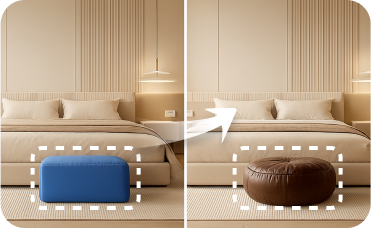
Smart Replacer
Swap out a single piece of furniture, like a modern sofa for one with a distressed aesthetic.

HouseGPT
Ask for a shopping list of items to create a dark academia aesthetic room or get advice on blending design styles.
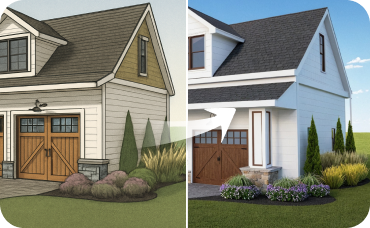
AI 3D Rendering
Turn your favorite 2D design into an immersive 3D model and get a true feel for the space.
Ready to Design Your Dream Home Plans?
Map your space in minutes with clear, share-ready 2D floor plans. Simple, fast, and powerful.
Generate My Floor Plan
Ideal.House is more than a platform—it's your all-in-one home design ecosystem. Dive into powerful AI tools such as Interior Remodel, Exterior Renovator, and Landscaping to craft stunning spaces, and let HouseGPT guide you with tailored suggestions for planning, styling, and furnishing. Connect with a passionate community to swap ideas and advice, then take your designs from concept to completion with handpicked products matched to your taste.
At Ideal.House, we've built a space where technology, creativity, and collaboration come together to redefine home design.
At Ideal.House, we've built a space where technology, creativity, and collaboration come together to redefine home design.
Technical support [email protected]



💰 Earn 10% commission as a Ideal House Affiliate Partner.
Join us